
Approval Phishing in Web3: How Malicious Signatures and Drainers Steal Your Crypto
 May, 28 2026
You connect your wallet to a new DeFi app. You see a prompt asking you to sign a transaction. It looks normal. Maybe it’s a small fee or a standard permission request. You click "Sign." Seconds later, your tokens are gone. This isn’t a glitch. It’s approval phishing, a threat unique to the Web3 world that has drained millions from unsuspecting users.
Unlike traditional phishing, which tries to steal your password or private key, approval phishing tricks you into giving a hacker legal permission to move your assets. You aren’t hacked in the traditional sense; you signed the deed yourself. As of May 2026, this remains one of the most effective ways attackers drain wallets because it exploits the very mechanism that makes decentralized finance work: user sovereignty.
The Mechanics of Approval Phishing
To understand how you get drained, you have to understand how Ethereum handles permissions. In Web2, if you log into a site, you’re identified by credentials. In Web3, you interact with smart contracts. When you want to swap tokens on Uniswap or lend assets on Aave, the protocol doesn’t touch your wallet directly. Instead, you grant an "allowance"-a permission for that specific contract to spend a certain amount of your tokens.
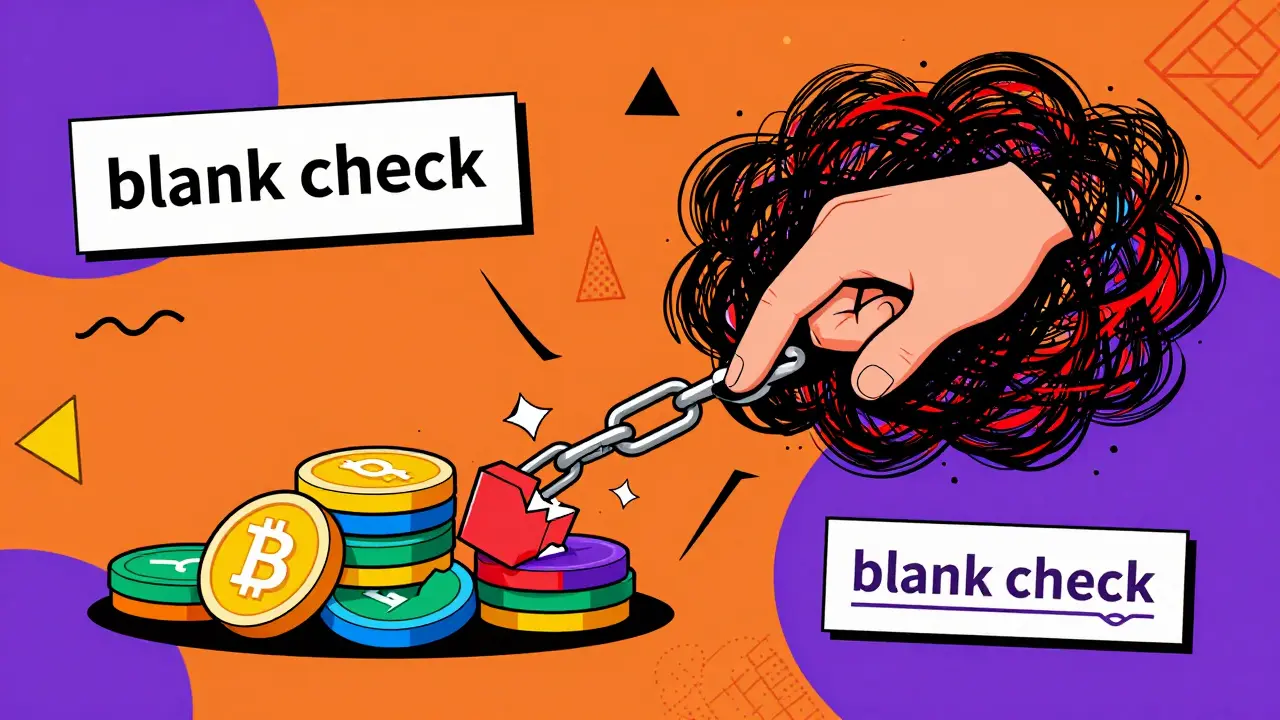
This is where the trap lies. An ERC-20 token approval is essentially a blank check. If you approve an unlimited amount of USDT for a malicious contract, that contract can transfer every single USDT in your wallet at any time, without needing your signature again. The permission does not expire until you manually revoke it.
Attackers use social engineering to get you to sign these malicious approvals. They don’t need to break into your wallet. They just need you to make a mistake. Here are the three most common methods used in 2026:
- The Fake Airdrop Scam: You receive a notification about a free token drop. To claim it, you must "approve" the transaction. Once approved, the attacker drains your existing ETH or stablecoins instead of sending you fake tokens.
- The Impersonated Support Message: A DM on Discord or Twitter claims your wallet is compromised and asks you to sign a "security update" or "revocation" transaction. Signing this actually grants them access.
- The UI Spoofing Attack: You visit a legitimate-looking dApp. The interface shows a harmless function name like "SecurityUpdate," but the underlying code executes a `transferFrom` command, moving your funds to the attacker’s address.
Malicious Signatures and Permit 2 Exploits
As wallets became smarter, attackers got sneakier. One of the most sophisticated threats today involves Permit 2 signatures. Permit 2 is a standard introduced to reduce gas fees by allowing users to sign permissions off-chain. It’s convenient, but it introduces a new attack vector.
In a Permit 2 phishing attack, the hacker doesn’t ask you to send money. They ask you to sign a message that appears to be a routine authorization. However, the signature itself contains hidden data. Once you sign, the attacker takes that signature and submits it to the blockchain. The network verifies the signature as valid and executes the `_updateApproval` function, granting the attacker permission to move your assets. Then, they call `transferFrom` to sweep your wallet.
This is particularly dangerous because many users don’t realize that signing a message can have financial consequences. In Web3, a signature is not just a digital ink mark; it is a binding cryptographic instruction. If you sign a malicious payload, the blockchain treats it as your explicit consent.
Another variant is the "deauthorization" scam. Attackers deploy a fake token contract and then spam users with messages saying, "You have been authorized by a malicious contract. Click here to revoke." When you click the link, you are taken to a site that asks you to sign a revocation. But the transaction you sign is actually an approval for a *different*, malicious contract. You think you’re locking the door, but you’re handing over the keys.
The Scale of the Threat
The numbers behind approval phishing are staggering. Research from Resonance Security detected over 130,637 phishing transactions in a single 300-day period, resulting in more than $341 million in losses. That averages out to roughly $2,600 per victim. These aren’t isolated incidents; they are industrial-scale operations.
Consider the Badger Finance incident. Attackers didn’t just target users directly. They compromised the website’s infrastructure, injecting malicious JavaScript into the legitimate dApp. When users visited the site, the injected code triggered hidden approval prompts. Users saw the official Badger interface, trusted it, and signed away their assets. This highlights a critical truth: even if you avoid sketchy links, you can still be targeted through compromised legitimate platforms.
The difference between Web2 and Web3 phishing is stark. In Web2, if your email is phished, you reset your password. In Web3, if your wallet is drained via approval phishing, there is no customer support. There is no chargeback. The transaction is immutable. Once the tokens leave your address, they are gone forever.
How to Spot a Malicious Signature
Protecting yourself requires changing how you interact with your wallet. Most users click "Sign" without looking at the details. This is the equivalent of signing a contract without reading the fine print. Here is what you need to check before every signature:
- Check the Contract Address: Does the address in the prompt match the official address of the dApp? Attackers often use addresses that look similar (e.g., swapping a '0' for an 'O'). Always verify the address on a trusted source like Etherscan or the project’s official documentation.
- Review the Function Name: Look for functions like `approve`, `increaseAllowance`, or `permit`. If you are just trying to swap tokens, why are you approving an unlimited allowance? Legitimate swaps usually request only the amount needed for the transaction.
- Examine the Amount: Is the approval amount set to "Max" or "Unlimited"? While some protocols require this for convenience, it poses a significant risk. If possible, approve only the specific amount you intend to use.
- Verify the Domain: Are you on the correct URL? Attackers use typosquatting domains like `uniswap.io` (instead of `uniswap.org`) or `metamask-login.com`. Bookmark your favorite dApps to avoid typing URLs manually.
Prevention Strategies and Tools
You can’t rely on vigilance alone. You need tools and habits to create layers of defense. Here are the most effective strategies for 2026:
| Strategy | Effectiveness | Effort Required |
|---|---|---|
| Hardware Wallets (Ledger/Trezor) | High | Medium (Setup required) |
| Revoking Unused Approvals | Very High | Low (5 minutes weekly) |
| Browser Extensions (PhishGuard) | Medium | Low (Install once) |
| Passkey Authentication | High | Low (If supported) |
Revoke Regularly: Use tools like Revoke.cash or the built-in revocation features in Etherscan and BscScan. Enter your wallet address, review active approvals, and revoke any that you don’t recognize or no longer use. This closes the backdoor even if an attacker has your signature.
Use Hardware Wallets: Storing your private keys offline adds a physical layer of security. Even if your computer is infected with malware, the attacker cannot sign transactions without your physical device. Many hardware wallets also display detailed transaction information on their screens, making it harder to miss malicious parameters.
Leverage AI-Powered Detection: Modern wallets and platforms are integrating AI fraud detection. These systems analyze transaction patterns in real-time. If you try to approve an unlimited allowance for a newly deployed contract, the system may flag it as suspicious. Enable all available security alerts in your wallet settings.
Adopt Passkeys Where Possible: Some newer Web3 interfaces support passkeys. Unlike passwords, passkeys are bound to the specific domain. If you are tricked into visiting a phishing site, the passkey will not work because the domain doesn’t match. This eliminates the risk of credential stuffing and many forms of man-in-the-middle attacks.
What to Do If You’ve Been Drained
If you suspect you’ve fallen for an approval phishing scam, act immediately. Time is critical.
- Revoke the Approval: Go to Revoke.cash or your block explorer. Find the malicious contract address and revoke its allowance. This stops further draining but won’t recover lost funds.
- Move Remaining Assets: Create a new wallet. Transfer any remaining tokens from the compromised wallet to the new one. Do not keep any funds in the compromised address.
- Report the Incident: Report the malicious contract address to platforms like Etherscan, Binance, and CertiK. This helps blacklist the address and warn other users.
- Monitor for New Attacks: Attackers often reuse stolen signatures or target victims multiple times. Keep an eye on your new wallet for unusual activity.
Remember, there is no way to reverse a blockchain transaction. Any service claiming they can recover your stolen crypto is likely a secondary scam. Focus on damage control and securing your future interactions.
The Future of Web3 Security
The industry is responding. We are seeing a shift towards "smart accounts" (Account Abstraction) that allow for more nuanced permissions. Instead of blanket approvals, users can set time-limited allowances or restrict spending to specific amounts. Protocols are also implementing multi-party computation (MPC) and timelocks to add friction to malicious actions.
However, the responsibility ultimately falls on the user. Web3 promises sovereignty, but sovereignty comes with accountability. Every signature is a decision. Treat every prompt with skepticism. Verify every address. And never, ever sign blindly.
What is the difference between approval phishing and traditional phishing?
Traditional phishing aims to steal your login credentials or private keys. Approval phishing tricks you into signing a transaction that grants a hacker permission to move your tokens. You aren't hacked; you legally authorized the theft.
Can I recover my tokens after an approval phishing attack?
No. Blockchain transactions are irreversible. Once the tokens are transferred to the attacker's wallet, they cannot be retrieved. Your best course of action is to revoke the approval immediately to prevent further losses.
How do I know if a signature request is malicious?
Look for red flags like unlimited approval amounts, unfamiliar contract addresses, or function names like `approve` or `permit` when you weren't expecting them. Always verify the URL and cross-reference the contract address with official sources.
Is using a hardware wallet enough to stop approval phishing?
A hardware wallet protects your private keys from malware, but it doesn't stop you from signing a malicious transaction if you click "Approve" on the device screen. You still need to read the transaction details carefully.
How often should I revoke token approvals?
It is recommended to review and revoke unused approvals at least once a month. Use tools like Revoke.cash to scan your wallet for active permissions and remove any that are no longer necessary.
What is a Permit 2 attack?
A Permit 2 attack exploits the off-chain signing process used to save gas fees. Attackers trick users into signing a message that secretly contains an approval instruction. The attacker then uses this signature to authorize token transfers on the blockchain.
Are there tools that can detect approval phishing automatically?
Yes. Browser extensions like PhishGuard and AI-driven security modules in modern wallets can analyze transaction payloads and warn you if a contract is known to be malicious or behaves suspiciously.
Why do scammers use fake "revoke" buttons?
Scammers create urgency by telling you that you've been compromised and need to "revoke" access. When you click the button, you are actually signing a new approval for their malicious contract, giving them full access to your funds.