
How to Choose the Best Crypto Wallet for Your Needs in 2026
 Jan, 22 2026
Choosing the right crypto wallet isn’t about picking the fanciest app or the one with the most coins. It’s about matching your lifestyle, your risk tolerance, and how much money you’re actually holding. If you’re new to crypto, you might think all wallets are the same-just a place to store your Bitcoin or Ethereum. But that’s like saying all bank accounts are the same. One holds your paycheck. Another holds your emergency fund. One’s locked in a vault. Another’s in your pocket. Crypto wallets work the same way.
Understand What a Crypto Wallet Really Does
A crypto wallet doesn’t store your coins like a digital piggy bank. It stores something far more important: your private keys. These are long strings of letters and numbers that prove you own your crypto. Without them, you can’t move your funds. If you lose them, your crypto is gone forever. No one can recover it. No customer service line can help you. That’s why security isn’t optional-it’s the foundation. In 2026, over 68% of active crypto wallets are non-custodial, meaning only you control the keys. The rest are custodial, where a company like Coinbase holds them for you. That’s convenient, but you’re trusting someone else with your money. If they get hacked, or if they shut down, you could lose everything.Hardware Wallets: The Vault for Long-Term Holds
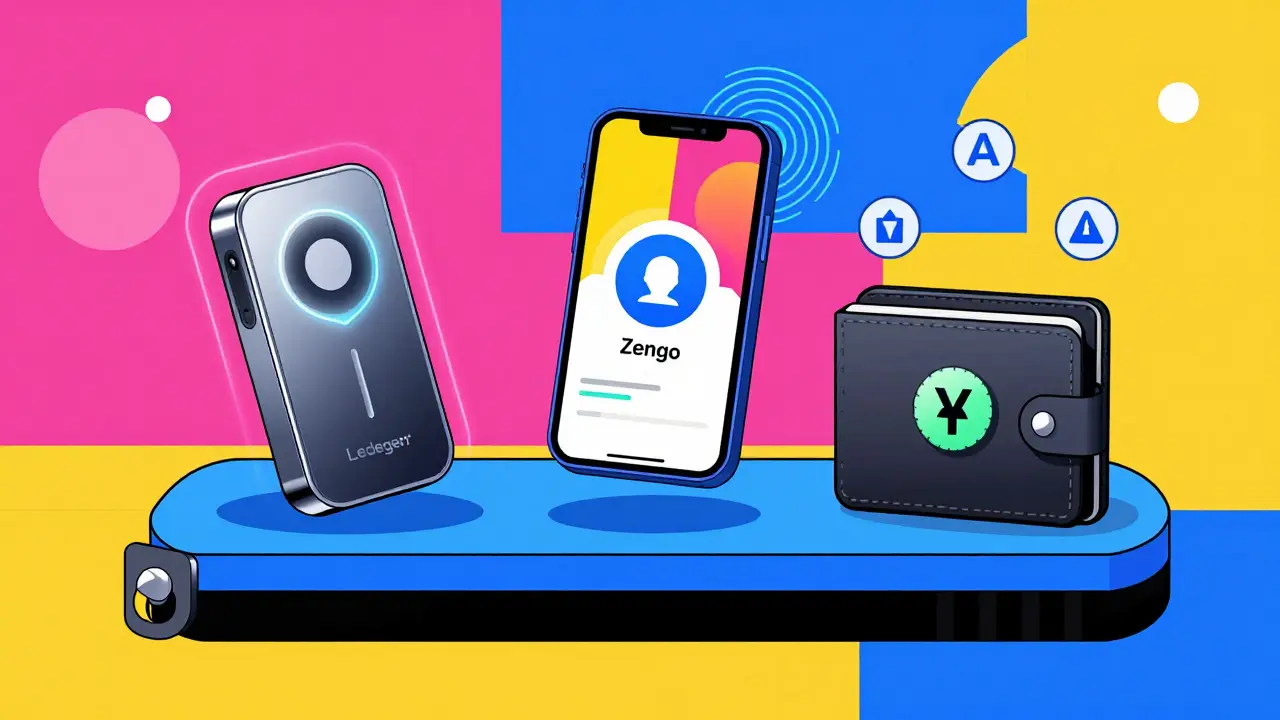
If you’re holding more than $5,000 in crypto, a hardware wallet is the only smart choice. These are physical devices-like a USB stick-that keep your private keys completely offline. No internet means no hacking. Ledger Nano Flex and Trezor Model One are the two most trusted in 2026. The Nano Flex costs $249 and supports over 5,500 tokens. The Trezor Model One is $79 and supports 1,500+. They both use secure chips certified to military-grade standards (CC EAL6+). To send crypto, you plug the device in, confirm the transaction on its screen, and press a physical button. Even if your computer is infected with malware, the transaction can’t be altered. The catch? They’re not built for daily use. Setting one up takes 20-30 minutes. Signing a transaction takes 8-10 seconds. You can’t easily swap tokens or stake directly from the device. That’s why most people use them for long-term storage-like holding Bitcoin through a market cycle.Software Wallets: Convenience vs. Risk
Software wallets live on your phone, laptop, or browser. They’re fast, easy, and connected to DeFi apps, NFT marketplaces, and cross-chain swaps. But they’re also online. That makes them vulnerable. MetaMask is the most popular browser extension wallet. It connects to 98% of Ethereum-based DApps. But it scored a CCC in security ratings because browser extensions can be hijacked by phishing sites. In 2025, 27% of all crypto losses from phishing came from users approving fake transactions in MetaMask. It’s not the wallet’s fault-it’s the user clicking the wrong thing. Exodus is a desktop wallet with a clean interface and built-in staking. It supports 50+ blockchains and has an AAA CER Security Rating. But it’s not open-source, and some experts worry about lack of third-party audits. Still, for beginners who want to stake ETH or SOL without juggling multiple apps, Exodus is one of the safest hot wallets.Mobile Wallets: The Sweet Spot for Most People
If you’re not a Bitcoin maximalist and you’re not holding millions, a mobile wallet strikes the best balance. Zengo and Trust Wallet lead here. Zengo uses MPC (Multi-Party Computation) technology. That means it splits your private key into three parts and stores them across different servers. No seed phrase. No 12-word recovery. You log in with your face using 3D FaceLock. If you lose your phone, you recover with a friend’s phone and a 30-second video call. In Q1 2026, Zengo helped recover $8.3 million in lost funds. That’s unheard of in crypto. Trust Wallet, owned by Binance, supports 100+ blockchains and lets you tap to connect to any DApp. It’s fast. It’s simple. But it’s custodial in some features-like its built-in swap. You’re trusting Binance’s backend. For small daily transactions under $1,000, it’s fine. For big holdings? Pair it with a hardware wallet.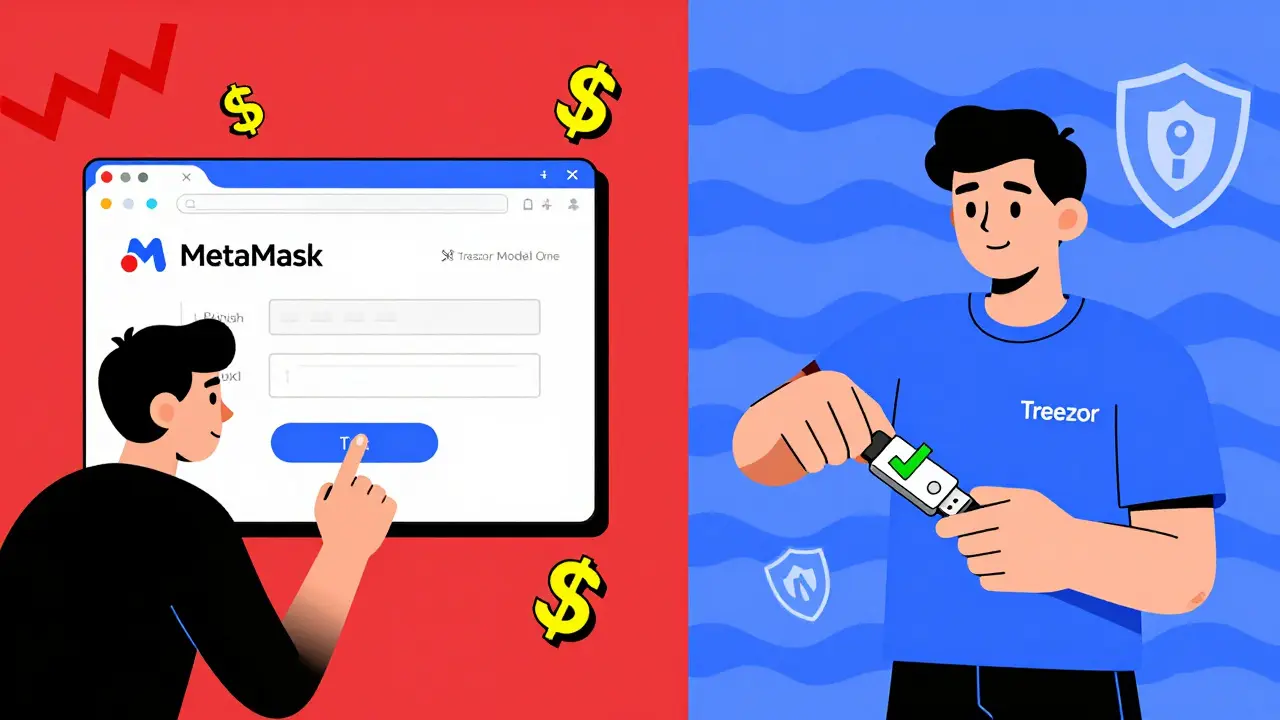
Specialized Wallets: For Bitcoin Purists and DeFi Nerds
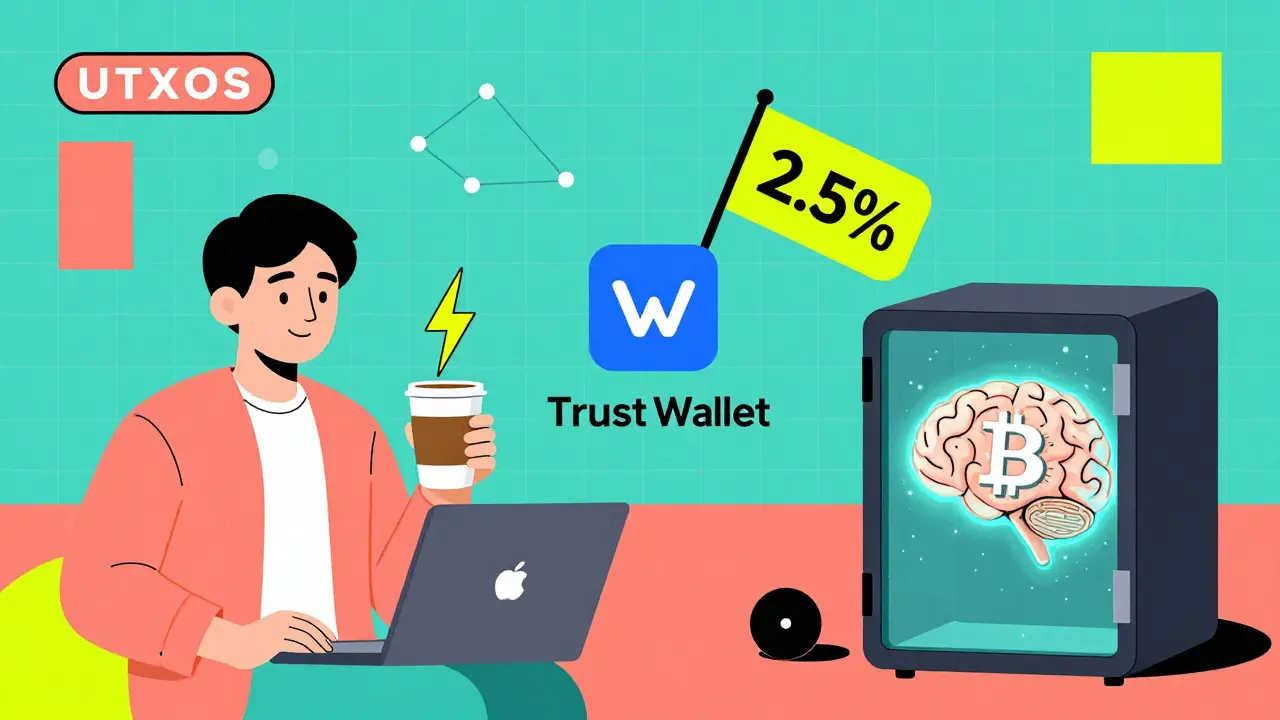
Not everyone needs a wallet that does everything. Some need a wallet that does one thing perfectly. Sparrow Wallet is the go-to for Bitcoin-only users. It’s open-source, supports Tor for privacy, and gives you full control over UTXOs (the technical building blocks of Bitcoin transactions). If you’re stacking sats and care about fee optimization, this is your tool. But it’s not for beginners. The interface looks like a terminal from 2005. Phoenix Wallet is built for Bitcoin Lightning Network users. It lets you send $0.01 to a friend in under a second with near-zero fees. Perfect for tipping, buying coffee, or paying for digital services. But it only works with Bitcoin. No Ethereum. No Solana.Costs, Fees, and Hidden Traps
Hardware wallets cost $79-$249 upfront. No monthly fees. No hidden charges. You pay once and own it. Most software wallets are free to download. But they make money on swaps. Zengo charges 1.8% average on in-app exchanges. Trust Wallet’s swap can hit 2.5%. That’s not a fee-it’s a tax on your trades. If you swap $1,000 worth of ETH for SOL, you’re paying $18-$25 just to move it. Custodial wallets like Coinbase Wallet require KYC if you hold over €1,000 in the EU. That means giving them your ID, selfie, and address. If privacy matters to you, avoid these.What Experts Really Recommend in 2026
Twelve crypto security experts were asked: “What’s your wallet setup?” Here’s what they said:- 83% use a hardware wallet for long-term storage.
- 75% use a mobile wallet (like Zengo or Trust Wallet) for daily spending.
- 42% use a specialized wallet like Sparrow or Phoenix for Bitcoin Lightning.
- Only 8% rely on one wallet for everything.
Your Action Plan: Pick Your Wallet Based on Your Real Life
Here’s how to decide, step by step:- How much crypto do you hold? Under $1,000? A mobile wallet is fine. Over $5,000? Get a hardware wallet.
- How often do you trade or use DeFi? Daily? You need a mobile wallet with DApp access. Rarely? Stick with hardware.
- Are you comfortable with seed phrases? If the idea of writing down 12 words scares you, go for Zengo’s seedless MPC.
- Do you only use Bitcoin? Then Sparrow or Phoenix might be better than a multi-chain wallet.
- Do you care about privacy? Avoid custodial wallets. Use Tor-enabled wallets like Sparrow.
What to Avoid in 2026
- Don’t use a wallet you downloaded from a random website. Only use official apps from Ledger, Trezor, Exodus, Zengo, or Trust Wallet.
- Don’t take screenshots of your seed phrase. Ever. Even if you think it’s “safe.”
- Don’t use the same wallet for trading and holding. It’s like keeping your house keys and your safe combination in your wallet.
- Don’t ignore transaction fees. If you’re sending $20 worth of crypto and the fee is $15, you’re doing it wrong.
Future-Proofing Your Wallet Choice
By 2027, 45% of wallets will use AI to detect phishing attempts. That means your wallet might start saying, “Hey, this contract looks shady.” But that doesn’t replace your responsibility. The trend is clear: wallets are becoming more secure, more user-friendly, and more specialized. The ones that try to do everything-like MetaMask-are starting to crack under the weight of complexity. The winners will be the ones that do one thing well and do it securely. If you’re just starting out, pick Zengo or Exodus. If you’re serious about holding long-term, get a Ledger or Trezor. And if you’re still unsure? Start small. Buy $50 worth of Bitcoin. Send it to a hardware wallet. Try sending it back. Learn the flow. Then scale up. Crypto isn’t about getting rich quick. It’s about owning your money. And the right wallet is the first step.What’s the safest crypto wallet in 2026?
The safest wallets are hardware devices like Ledger Nano Flex and Trezor Model One. They store keys offline, require physical confirmation for transactions, and have never been hacked when used correctly. For daily use, Zengo is the safest mobile wallet due to its seedless MPC technology and biometric recovery.
Should I use one wallet for everything?
No. Using one wallet for everything is like keeping all your cash, jewelry, and passport in the same pocket. Experts recommend at least two: a hardware wallet for long-term storage and a mobile wallet for daily spending. This limits your risk if one gets compromised.
Are free crypto wallets safe?
Yes, if they’re non-custodial and from trusted developers like Exodus, Zengo, or Trust Wallet. But free doesn’t mean cost-free. Many make money by charging high fees on token swaps (up to 2.5%). Always check the fee structure before using a wallet’s built-in exchange.
What happens if I lose my seed phrase?
If you lose your seed phrase and don’t have a backup, your crypto is gone forever. No one-not the wallet company, not the blockchain, not the police-can recover it. That’s why seed phrases are called “the last line of defense.” If you use a seedless wallet like Zengo, you can recover using biometrics and trusted contacts instead.
Do I need a wallet for each cryptocurrency?
No. Most modern wallets support multiple blockchains. A single wallet like Exodus or Trust Wallet can hold Bitcoin, Ethereum, Solana, Dogecoin, and hundreds of others. But specialized wallets like Sparrow (for Bitcoin) or Phoenix (for Bitcoin Lightning) offer better performance for specific chains.
Can I use a crypto wallet on my phone and computer at the same time?
Yes, but only if it’s a software wallet like Exodus or MetaMask. You can install them on multiple devices using the same seed phrase. But if you do, you’re increasing your attack surface. If one device gets hacked, all your wallets linked to that seed phrase are at risk. Always use strong passwords and 2FA on all devices.
What’s the difference between custodial and non-custodial wallets?
Custodial wallets (like Coinbase Wallet) hold your private keys for you. You log in with a password, and they control your funds. Non-custodial wallets (like Ledger or Zengo) give you full control. You hold the keys. No one else can touch your crypto. Non-custodial is safer but requires more responsibility.
Is it safe to use a crypto wallet on public Wi-Fi?
It’s risky. Public Wi-Fi can be monitored. If you’re using a hot wallet (like MetaMask on your phone), someone could intercept your connection and trick you into approving a fake transaction. Always use a trusted network. If you must use public Wi-Fi, use a hardware wallet or a mobile wallet with built-in Tor support, like Sparrow.
How do I know if a wallet is legitimate?
Download wallets only from official sources: the Apple App Store, Google Play Store, or the wallet’s official website (like ledger.com or zengo.com). Never download from third-party sites or links in DMs. Check the developer name-Zengo is developed by Zengo Inc., not “Zengo Wallet Team.” Look for open-source code on GitHub. Legit wallets have transparent teams and public audits.
Can I use a crypto wallet to buy things online?
Yes, but not everywhere. Some online stores accept Bitcoin or Ethereum directly. More commonly, you use a wallet to pay through crypto payment processors like BitPay or Coinbase Commerce. Mobile wallets like Trust Wallet let you scan QR codes at crypto-friendly retailers. For everyday spending, a wallet with a linked debit card (like Crypto.com) might be easier-but that’s custodial. For true ownership, stick to direct crypto payments.