NFT Security Guide: How to Stop Approval Phishing and Protect Signatures
 Jul, 10 2026
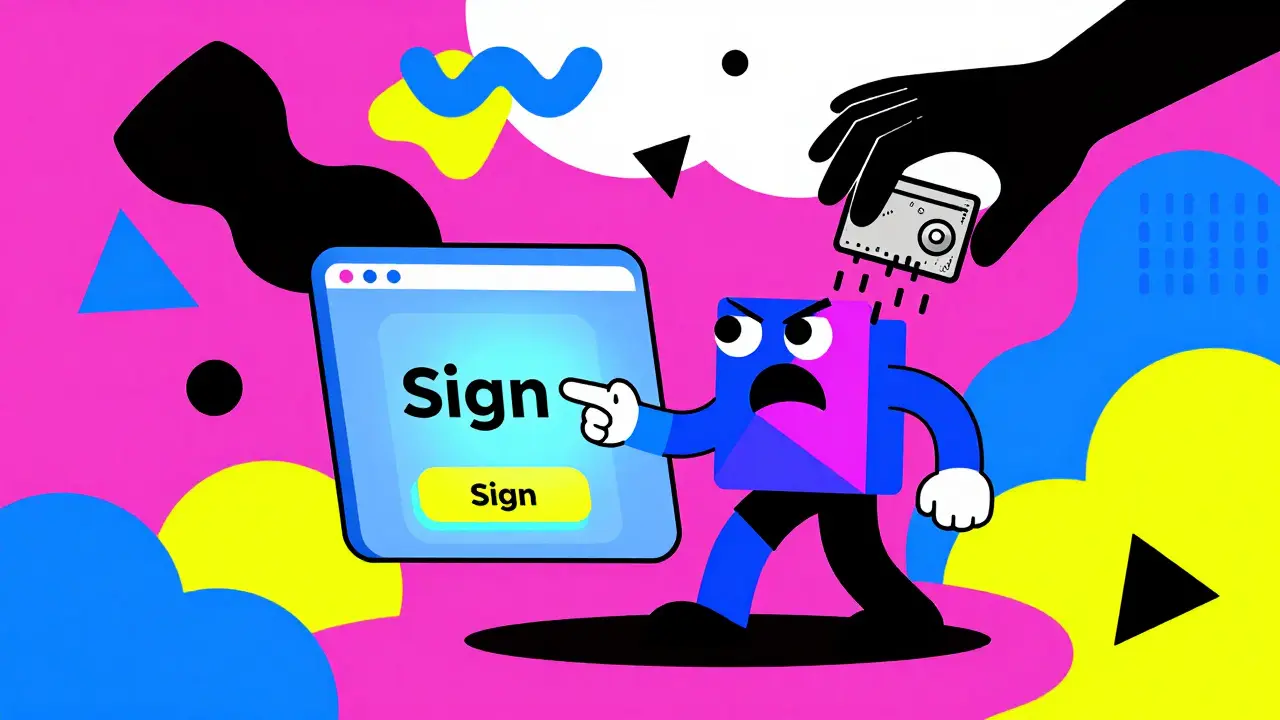
Imagine you just found a rare digital collectible listed for half the market price. Your heart races. You click the link, connect your wallet, and hit 'Sign' to approve the transaction. A second later, your screen goes blank, and when you check your balance, everything is gone. Not just the NFT you were buying, but every token in your wallet too.
This isn't a movie script. It’s the daily reality of approval phishing, a sophisticated attack that exploits how blockchain wallets work. In 2024 and 2025, these scams surged, stealing millions from users who thought they were simply buying art or gaming assets. The problem? Most people don’t realize that signing a transaction doesn’t always mean buying something. Sometimes, it means handing over the keys to your entire digital life.
If you hold any non-fungible tokens (NFTs) or cryptocurrency, understanding signature safety is no longer optional-it’s survival. This guide breaks down exactly how these attacks work, why they are so effective, and most importantly, how you can lock your doors before a thief picks them.
The Anatomy of an Approval Phishing Attack
To stop a thief, you first need to know their playbook. An approval phishing attack isn't random; it follows a precise six-stage process designed to exploit human urgency and technical blind spots.
- The Setup: The attacker creates a wallet on a specific blockchain, like TRON or Ethereum. They fund it with just enough native currency (like ETH or TRX) to pay for gas fees. Without this small amount, the malicious contract can’t execute.
- The Trap: They write a malicious smart contract. This code looks like a standard sale agreement but contains hidden functions like
setApprovalForAll. This function allows the attacker to move *all* your compatible tokens, not just the one you’re trying to buy. - The Bait: The attacker deploys this contract and lists an NFT at an irresistible price-often zero cost or significantly below market value. They might even offer a "private sale" link to create exclusivity.
- The Lure: Now comes the social engineering. You see the offer via a Discord DM, a Telegram group, a fake email from "OpenSea Support," or a pop-up ad on a community forum. The message creates pressure: "Only 1 left!" or "Limited time offer!"
- The Sting: You click the link and connect your wallet. The interface asks you to sign a transaction to "approve the purchase." You do. In that split second, you haven’t bought an NFT; you’ve authorized the attacker’s contract to drain your wallet.
- The Escape: The attacker instantly transfers your valuable NFTs and crypto to their own wallet. Because NFTs are hard to launder directly into cash, they quickly flip them on legitimate marketplaces like OpenSea or Blur to convert them into fungible assets like ETH, which can then be swapped for fiat currency.
The key takeaway here is speed. Attackers rely on you acting fast. If you pause, breathe, and read the fine print, the scam usually falls apart.
Common Vectors: Where Scammers Hide
Phishing scams targeting NFT holders have evolved beyond simple fake websites. Today, they manifest in several sophisticated forms that prey on trust and familiarity.
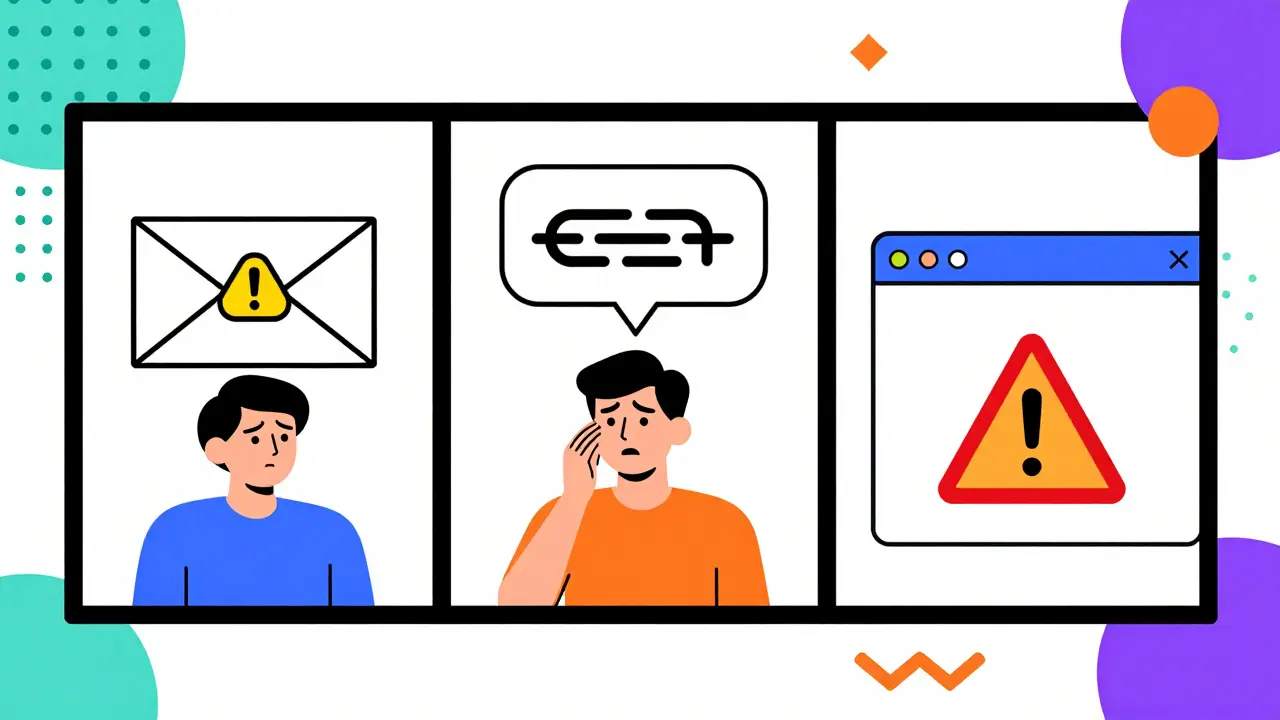
Fake Marketplaces and Emails Scammers impersonate major platforms. One notable incident involved a phishing campaign targeting OpenSea users. Victims received emails claiming they needed to migrate their wallets to a new contract version (Wyvern 2.3). Clicking the link connected their wallet to a malicious site, allowing scammers to empty accounts worth over $5 million. Always verify the sender’s email address and never click links in unsolicited messages.
Social Media Impersonation Fraudsters hack official project accounts or create look-alike profiles on Twitter, Discord, and Telegram. They post links to "free airdrops" or "exclusive drops." According to wallet provider Phantom, NFT airdrops are currently the most common phishing vector. Treat any unsolicited NFT drop as suspicious. If you didn’t explicitly request it, assume it’s a trap.
In-Wallet Ads and Pop-Ups Even inside your browser extension, threats exist. Fake pop-ups resembling MetaMask login panels or network switchers can trick you into revealing seed phrases or approving harmful transactions. Never enter your private key or seed phrase into any website or pop-up window. Legitimate services will never ask for this information.
Signature Safety: Why Signing Is Dangerous
Many users believe that signing a transaction only confirms a payment. This is a dangerous misconception. In blockchain terms, a signature is a universal permission slip.
When you sign a message or transaction, you are cryptographically proving that you authorize a specific action. If that action is part of a malicious contract, you might be authorizing:
- Unlimited Spending: Granting a contract infinite allowance to spend your ERC-20 tokens (like USDT or ETH).
- Full Access: Using
setApprovalForAllto allow a contract to transfer any ERC-721 or ERC-1155 NFT in your wallet. - Blind Execution: Approving code that runs complex logic behind the scenes, which may include transferring funds to the attacker’s address.
The concept of blind signing is critical here. Blind signing occurs when you approve a transaction without fully understanding what the underlying code does. Smart contracts are often obfuscated, meaning the code is messy and hard to read. Even experts struggle to spot malicious intent in large contracts. Therefore, the rule is simple: if you cannot explain exactly what the transaction does, do not sign it.
Protective Infrastructure: Tools That Watch Your Back
You don’t have to fight these threats alone. Major wallet providers and third-party tools are deploying advanced defenses to help users stay safe.
Wallet-Level Protections Wallets like Phantom and MetaMask are integrating machine learning to detect spam and malicious tokens. Phantom, for example, uses integrations with SimpleHash to auto-hide suspicious NFTs and tokens. More importantly, it offers a transaction preview system. Before you sign, the wallet simulates the transaction to show you exactly what will happen. If the simulation says "Transfer 10 ETH to Attacker Wallet," stop immediately. If the simulation results aren’t available, do not proceed.
Browser Extensions Tools like WalletGuard and Pocket Universe act as a second layer of defense. These extensions analyze smart contract interactions in real-time. They can flag unusual behavior, such as a contract requesting excessive permissions or interacting with known blacklisted addresses. Installing one of these tools adds a crucial checkpoint between your decision to buy and the final signature.
Marketplace Security Features Major platforms are also stepping up. OpenSea has introduced Secure Trading features, and Blur has implemented a Protection Framework. These systems monitor for wash trading, stolen goods, and suspicious account activity. Always trade on verified marketplaces that prioritize security protocols.
Defensive Practices: Building Your Security Shield
Technology helps, but your habits determine your safety. Here is a practical checklist for maintaining NFT security in your daily routine.
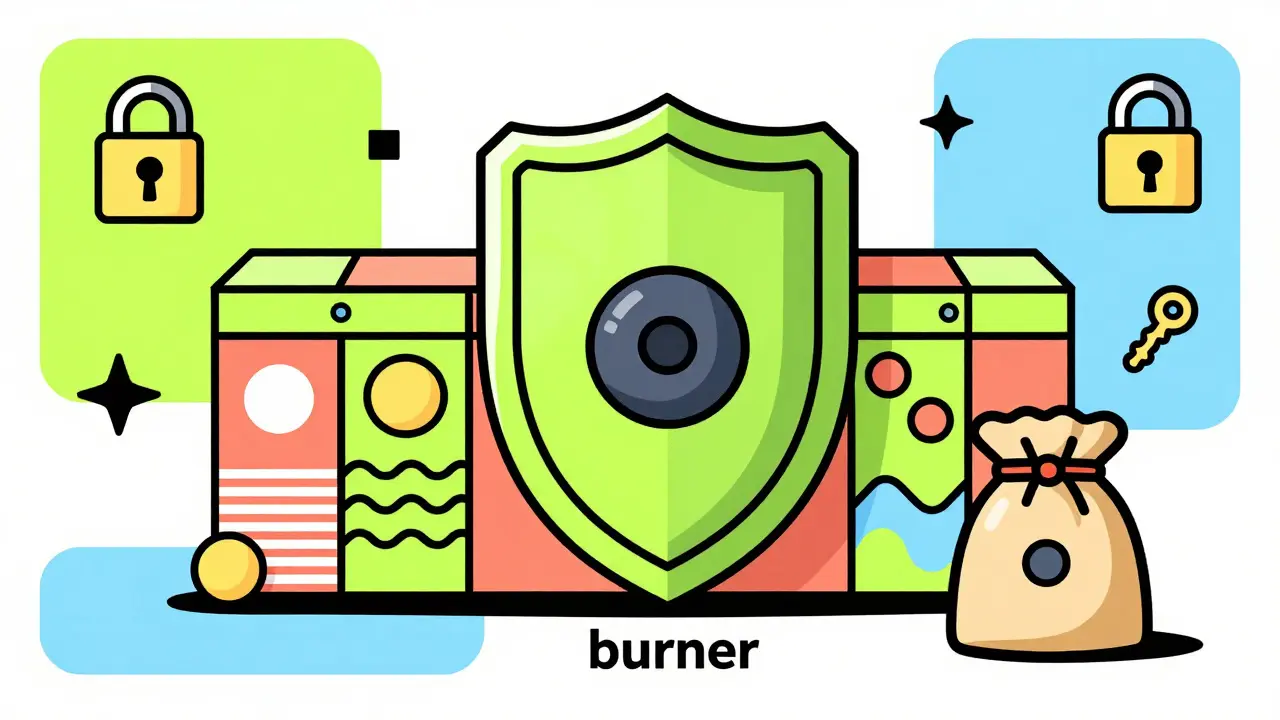
1. Use Separate Wallets Never keep all your eggs in one basket. Set up a "burner" wallet for risky activities like connecting to new dApps, minting unknown projects, or clicking links from social media. Keep your high-value assets in a separate, cold-storage wallet. If the burner wallet gets compromised, your main holdings remain untouched.
2. Audit and Revoke Approvals Regularly Every time you interact with a decentralized application (dApp), you grant it permission to access your assets. Over time, these permissions accumulate. Use tools like Etherscan’s Token Approval page or revoke.cash to check which contracts have access to your wallet. Revoke approvals for any service you no longer use. Note: Revoking stops future transactions but doesn’t recover stolen funds. Always transfer assets to a new wallet if you suspect compromise.
3. Verify Counterparties Before buying an NFT, check the seller’s history. Look for patterns: Did they acquire the NFT for free? Are they flipping it immediately? Check the contract address against known scam lists. If the price seems too good to be true, it almost certainly is. Scammers often list stolen NFTs at low prices to attract quick buyers.
4. Hardware Wallets for Long-Term Storage For serious collectors, software wallets (hot wallets) are too risky for long-term storage. Use hardware wallets like Ledger or Trezor. These devices keep your private keys offline, making them immune to online phishing attempts and malware. Even if your computer is infected, the attacker cannot sign transactions without physical access to your device.
5. Multi-Signature Wallets For high-value portfolios, consider using multi-signature wallets like Gnosis Safe. These require multiple private keys to approve a transaction. For example, you might need two out of three signatures to move funds. This eliminates single-point failures and adds a significant barrier for attackers.
| Strategy | Security Level | Convenience | Best For |
|---|---|---|---|
| Hot Wallet (MetaMask) | Low-Medium | High | Daily trading, small amounts |
| Burner Wallet | Medium | Medium | Testing new dApps, risky clicks |
| Hardware Wallet (Ledger) | High | Low | Long-term storage, high-value assets |
| Multi-Sig (Gnosis Safe) | Very High | Low | Teams, DAOs, ultra-high net worth |
What To Do If You Are Compromised
Despite your best efforts, accidents happen. If you suspect you’ve fallen victim to approval phishing, act immediately.
- Disconnect and Drain: Move any remaining assets to a new, secure wallet address. Do not leave anything in the compromised wallet.
- Revoke All Approvals: Use revoke.cash or similar tools to strip all permissions from the compromised wallet. This prevents further automated drains.
- Report the Incident: Contact the support teams of the marketplaces where the theft occurred. While recovery is rare, reporting helps blacklist malicious addresses.
- Monitor for Identity Theft: If you shared personal information during the scam, monitor your credit and other accounts for suspicious activity.
Remember, blockchain transactions are irreversible. There is no customer service button to undo a transfer. Prevention is the only cure.
What is approval phishing in NFTs?
Approval phishing is a scam where attackers trick users into signing a malicious smart contract transaction. Instead of purchasing an NFT, the signature grants the attacker unlimited permission to transfer all compatible assets from the victim's wallet.
How can I tell if an NFT airdrop is a scam?
Treat all unsolicited NFT airdrops as suspicious. Legitimate projects rarely send unexpected tokens. If you receive an airdrop, do not click any links associated with it. Check the contract address on a block explorer like Etherscan to see if it interacts with known malicious addresses.
Is it safe to sign transactions on OpenSea?
Signing transactions on the official OpenSea website is generally safe for standard buys and sells. However, be wary of phishing emails or fake sites mimicking OpenSea. Always verify the URL is https://opensea.io and never sign transactions from links sent via DM or email unless you initiated the contact.
Why should I use a burner wallet?
A burner wallet isolates risk. By using a separate wallet with minimal funds for testing new apps, minting unknown NFTs, or clicking social media links, you ensure that if that wallet is compromised, your primary holdings remain secure.
Can I recover stolen NFTs after an approval phishing attack?
Recovery is extremely difficult because blockchain transactions are immutable. Once assets are transferred to an attacker's wallet, they cannot be reversed by any platform. Reporting the incident may help blacklist the address, but legal or technical recovery is rare.